Easily take, edit and organize your notes, thoughts and ideas from any device

If your looking for a one stop workspace to organize your knowledge and projects with an integrated AI assistant and a template marketplace, as well as other productivity tools more tailored for collaboration within teams, Notion is an excellent choice.
Availability
Available for desktop on Windows and macOS and for mobile on Google Play Store and Apple App Store.
User Experience
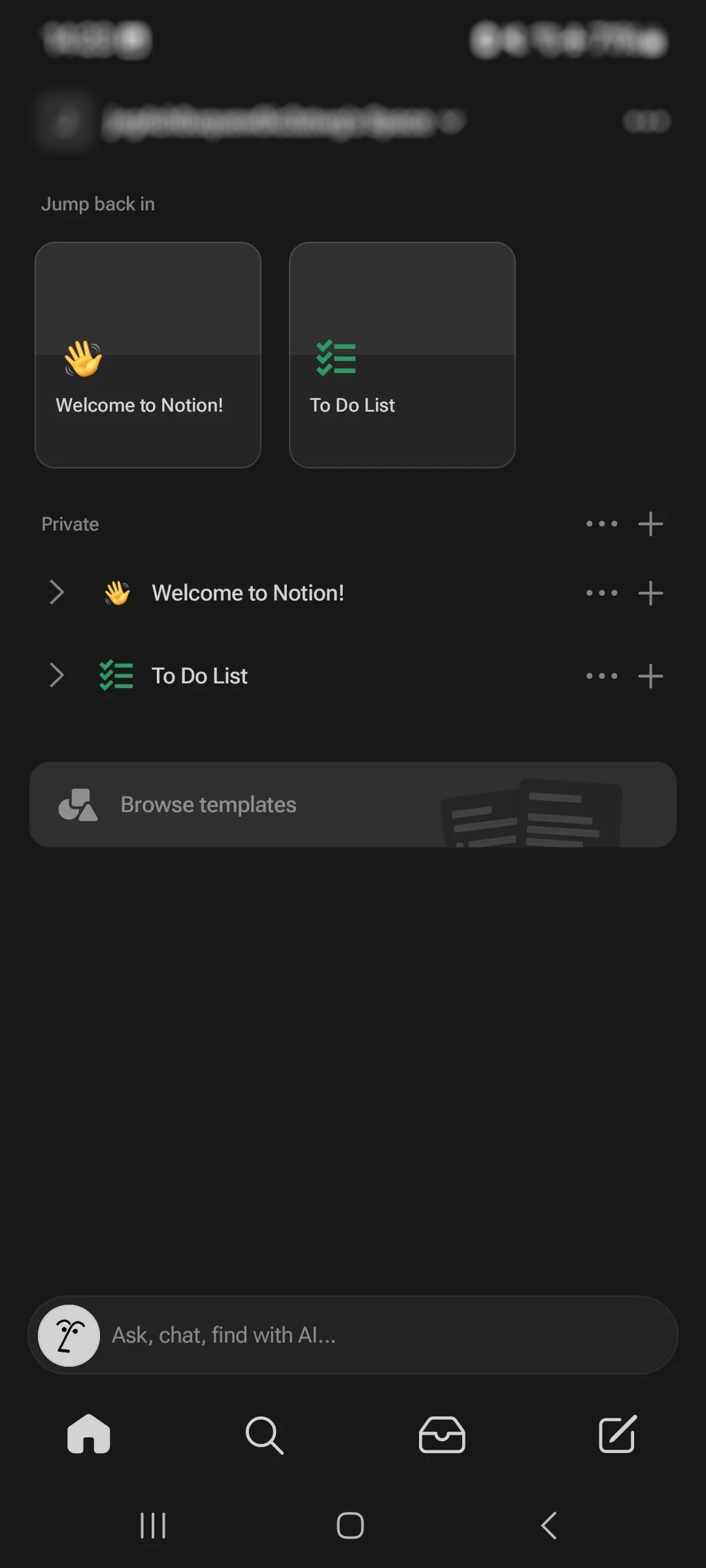
After installation, the user is greeted with prefilled templates for todos and a simple page.
You can browse for other templates, including a weekly planner and various trackers.
When editing a page, you can add other media (captures, files) as well as third-party embeds (Google Drive for example).
Advanced features include database usage: some are used by templates, others can be used to display charts.
Organization
All your notes and folders are presented in the sidebar as pages. You can add a page inside a page to create a folder hierarchy.
Synchronization
Notion offers free synchronization for your thoughts and ideas by using the same account.
Version history
You can review and restore older versions of your pages up to 7 days.
Browser extensions
You can save pages using Notion Web Clipper available on Chrome, Firefox and Safari.
Obsidian is a knowledge management software more focused on privacy and offline-first editing. You can extend it with many plugins and themes. You link can your notes and visualize them using a canvas. You will not regret your choice if you need customizable keyboard toolbar options.
Availability
Download links for desktop on Windows, macOS, Linux as well as for mobile on App Store, Google Play and as Android APK.
User Experience
You don't have to sign up to use the application.
Obsidian includes an advanced markdown editor with customizable keyboard actions.
The canvas feature, available only on desktop, allows you to add more visual elements with support for embedding media files.
You can use the search feature with various criteria: tags, properties
Organization
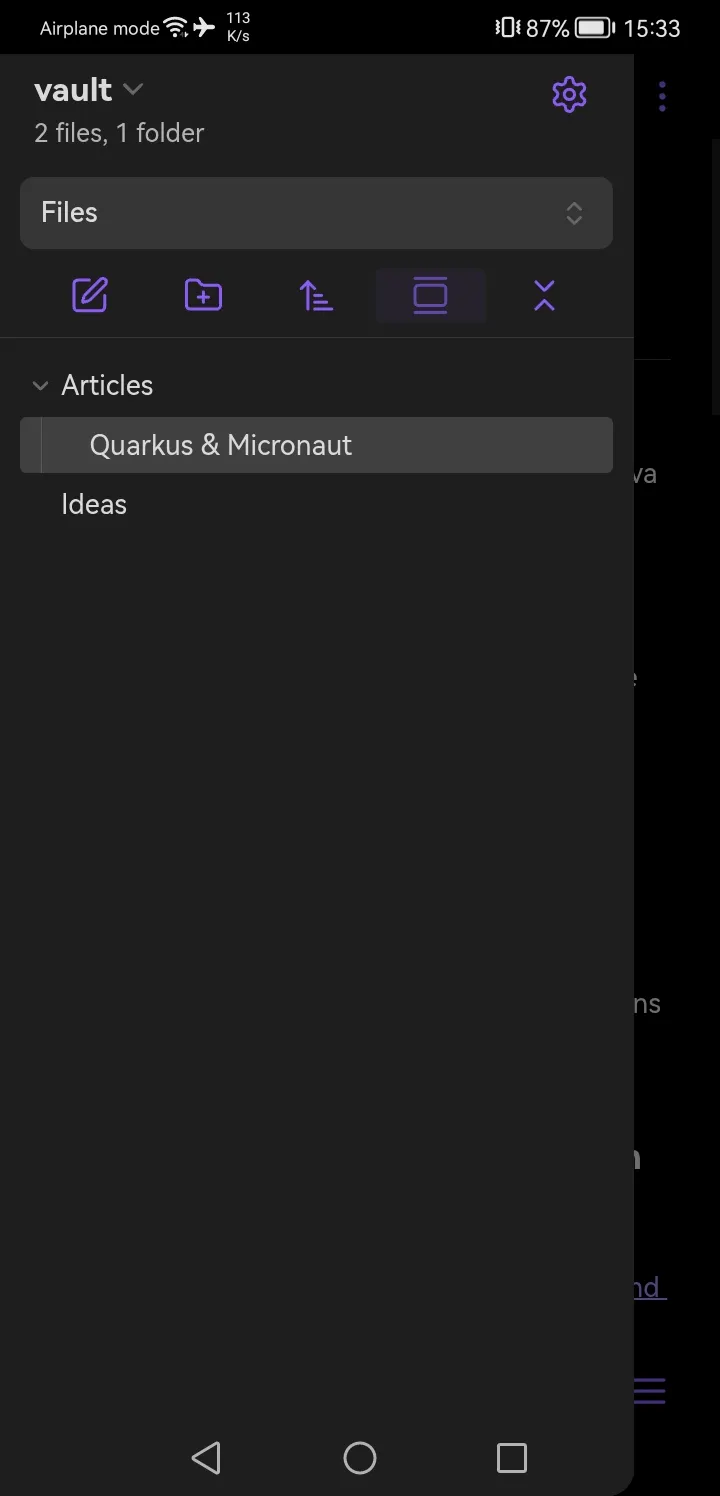
Your notes are organized using simple file tree structure.
You can add tags and bookmarks to help you navigate easily to specific note sections.
Synchronization
Obsidian Sync is available as a paid feature, but you can manually copy your vault text files to your other devices.
Version history
You can review and restore older versions of your notes.
You can also display only changed lines.
Browser extensions
You can save pages using Obsidian Web Clipper available on Chrome and Firefox.
UpNote help you mange your ideas and notes with a clean and clutter-free note space. You can easily sync your notes on the free plan.
Availability
Available for desktop on Windows, macOS, Linux as well as for mobile on App Store, Google Play and as Android APK.
User Experience
Offers an intuitive interface with easy access keyboard shortcuts and menus.
After installation, you can get started by reading the presented notebook that includes notes with different formats.
On the free plan you are limited to 50 notes.
Premium features include password protected notes, inserting attachments and tables.
Organization
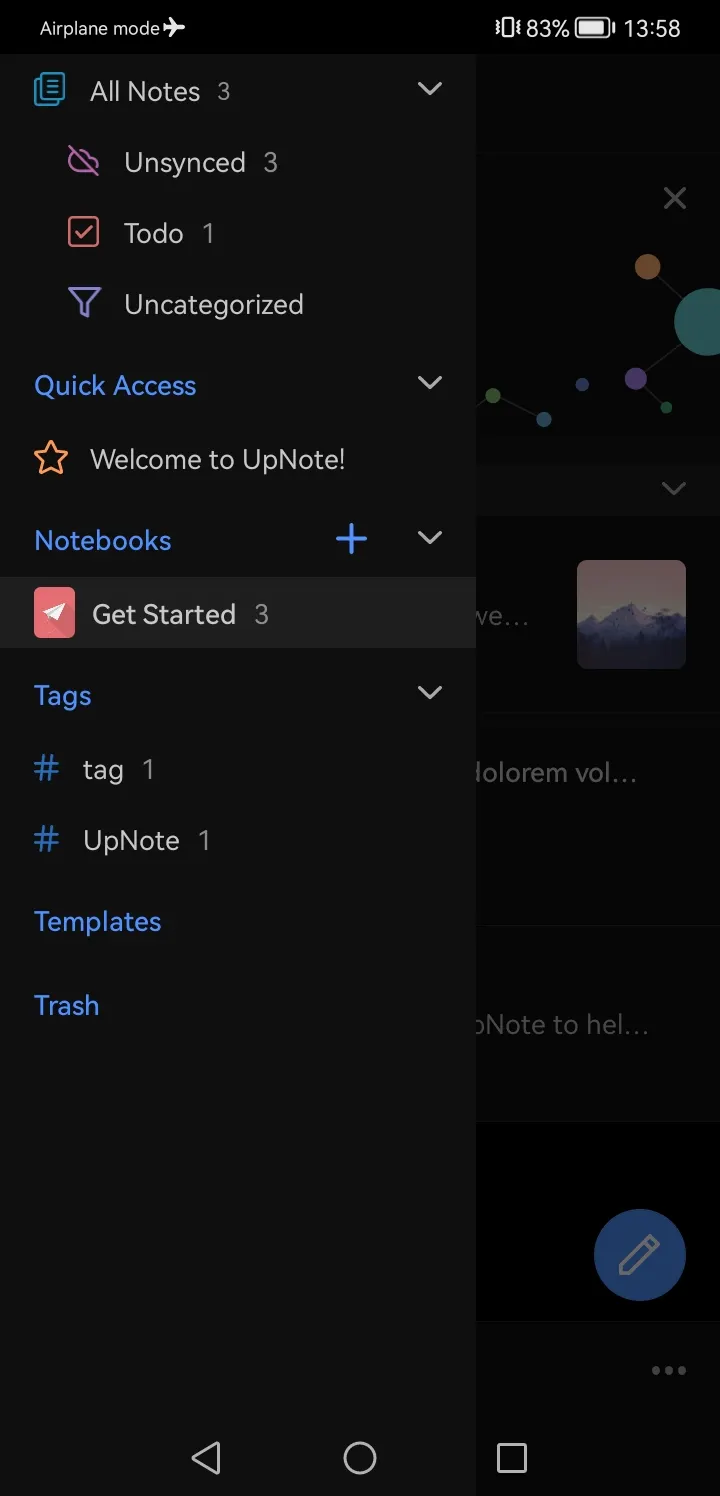
Your notes are grouped by notebooks. You can add tags and pin notes to the sidebar menu.
Synchronization
You have to sign in to synchronize your notes.
Version history
Version history is saved on the local storage of the device.
Browser extensions
Web Clipper extensions available on Chrome, Firefox and Safari.